Spend more intentionally
Check your budget before checkout, not after your balance starts running low.
Track transactions, set budgets, and understand cash flow in one app made for everyday use.

Type it like a chat, such as "coffee 15k, parking 5k". Smoonly AI understands what you mean.
Just say it, like "lunch 25k". Your voice is turned straight into a transaction.
Snap a receipt and AI reads the amount, items, date, and payment method automatically.
One note becomes many transactions at once, already categorized. Just review and save.
AI reads your spending patterns and sums them up into insights that are easy to understand.
Powered by AI
Scroll to explore
From today's balance to next month's budget, Smoonly makes your financial life clearer and easier to manage.
Snap a photo of your receipt and let AI automatically detect the amount, items, date, and payment method without manual typing.

Smoonly gives you context before you decide, instead of only recording what happened afterward.

Check your budget before checkout, not after your balance starts running low.
Due dates and payment progress stay visible before month-end.
Follow your goals and see every small step you are actually making.
Smoonly is built for one simple moment: open the app, understand your finances, and move on without overthinking.
The AI Scan is so helpful! Just snap a photo of monthly diaper and baby milk receipts, and it logs them instantly. No manual typing.
Rani
Gen Z Parent
The bill reminder is top tier. Spotify, Netflix, and monthly game top-ups stay organized so I don't overspend.
Nia
College Student
Smoonly treats security as a foundation, not an afterthought.
Financial information is protected before it is stored.
Your financial data is not sold or shared for advertising.
You decide how your data and account are used.
Start for free, upgrade anytime for more powerful features.
Short answers before you get started.
Smoonly is a personal finance management app that helps you record transactions, set budgets, and monitor your assets in one secure and intuitive dashboard. It's on Google Play for Android, and runs as a web app on iPhone and desktop.
Smoonly is now on Google Play, with the App Store version coming soon. Track expenses, monitor budgets, and check cash flow anytime, anywhere.

The App Store version isn't out yet, but you can add Smoonly to your iPhone home screen from Safari. Same features as the Android app.
Open Smoonly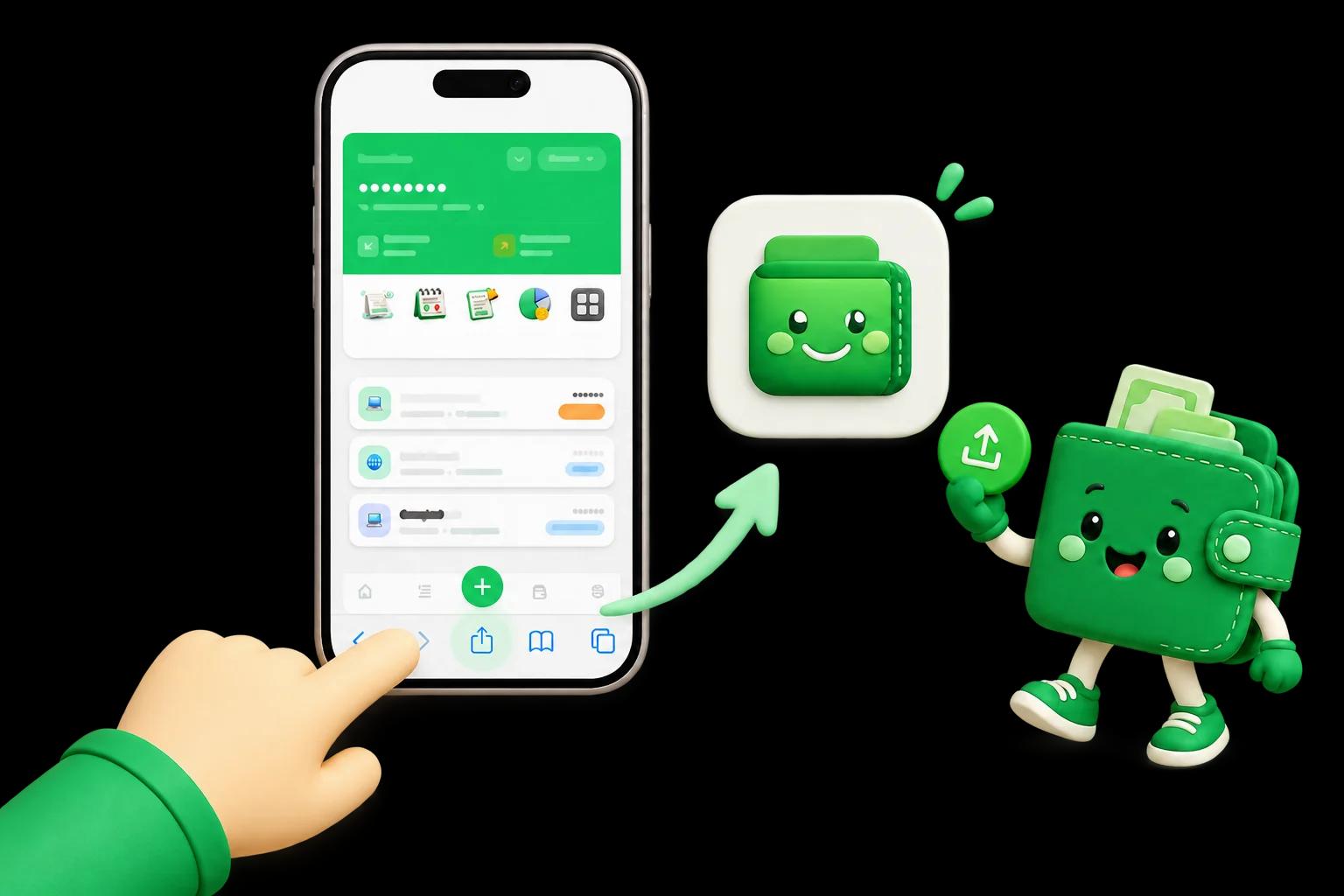
Open Smoonly in Safari
Tap the Share button
Choose Add to Home Screen
Start with one transaction today. Smoonly helps keep everything else organized.

Practical guides for budgeting, saving, and making your first financial decisions.